Using iNaturalist to Make Fungi Collections
With Oliver Filialuna and Elora Adamson
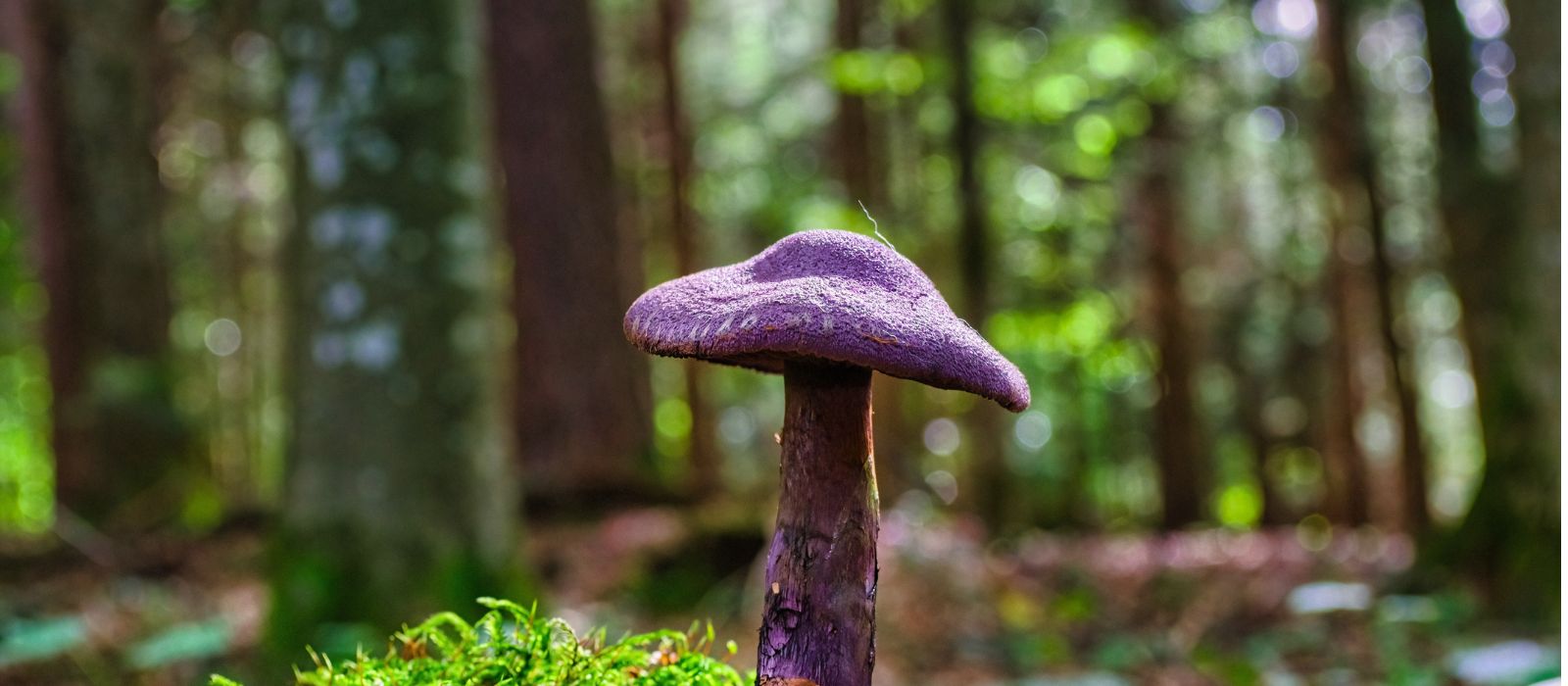
This presentation will focus on using iNaturalist to create high-quality fungal records that can support DNA sequencing and voucher specimen collections. Participants will learn the basics of using iNaturalist on both mobile devices and computers, along with tips and best practices for uploading observations. The presentation will also cover applications of iNaturalist specific to mycology. Finally, we’ll share how participants at the NAMA Yoop Annual Foray made huge contributions to fungal diversity mapping in Michigan by documenting and collecting fungi with the support of iNaturalist during the event.
This is an in-person meeting, free and open to the public.
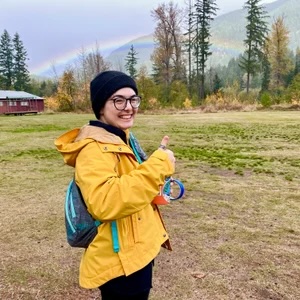
Oliver Filialuna (They/Them) follows their passion for mycological community history, fungarium collection management, and community engagement and education by sitting on the NAMA Voucher Collection Project committee, NAMA Marketing committee, and running the northamericanmyco instagram account. They got an MA in Museum Studies from the University of Washington and BS in Biology from Montana State University.
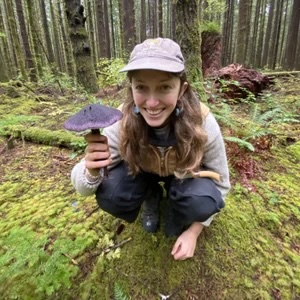
Elora Adamson is a long time iNaturalist user, community science enthusiast, environmental educator and graduate student at the University of Victoria in British Columbia, Canada. She’s worked for the BC Biodiversity Program for two years- using iNaturalist to survey fungi in BC’s provincial parks. She also coordinates the MycoMap BC project.
Presentations are recorded and posted a few days later on the MMS YouTube channel. This meeting is free and open to the public. Members receive Zoom links on meeting announcements and reminders. Also, anyone can click on the button below and provide their contact info to be sent the Zoom link for this meeting.
If you haven’t used Zoom before and don’t want to miss anything, click on the meeting link to download Zoom and familiarize yourself with it at least 15 minutes prior to the meeting.
How to join a Zoom meeting – You do not need a Zoom account, but you will need the Zoom app installed on your desktop or mobile device. You can either download the Zoom app in advance here. Or, you will be automatically prompted to download and install the Zoom app when you click on a meeting link for the first time. You can also join a test meeting at any time at https://zoom.us/test. Watch a video on how to join a Zoom meeting here.