
New detections of Phytophthora species in Minnesota
With Nickolas Rajtar
Phytophthora are plant pathogens in the class Oomycetes with capacity to inflict extensive damage and economic losses across nurseries, forest stands, and other urban and natural landscapes. Over the past 6 years, part of my research focus has been to survey Minnesota for previously undetected species of Phytophthora. While we have had success at finding 14 new to the state species from the years of 2020-2023, we have since found several new species. This presentation will highlight some of the previously detected species of Phytophthora as well as methods for detection. The second part of the presentation will focus on the newly discovered species of Phytophthora and how they could impact the landscapes of Minnesota.
This is an in-person meeting, free and open to the public.
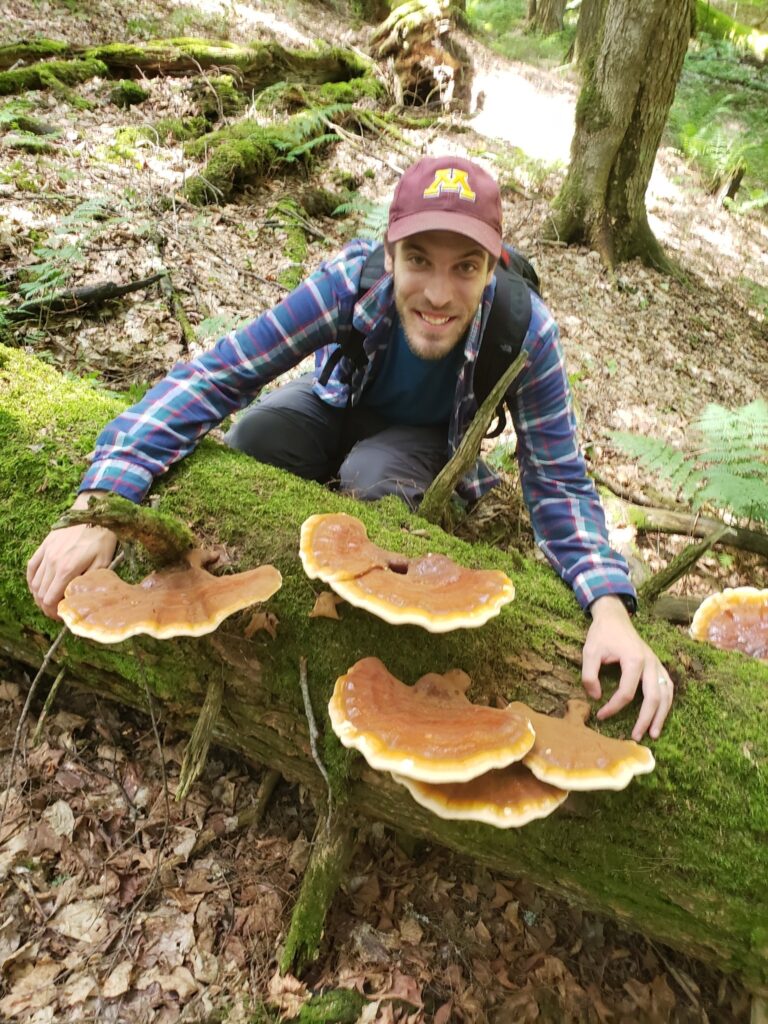
Nick Rajtar, PhD, is a forest pathologist and a mycologist who received his PhD at the University of Minnesota-Twin Cities under his advisor Dr. Robert Blanchette in 2024. Rajtar currently is a post-doctoral researcher at UMN where his work focuses on the biosurveillance of invasive forest pathogens. Nick has been a member of the Minnesota Mycological Society since 2018 and is a member of many mycological clubs around the country.
Presentations are recorded and posted a few days later on the MMS YouTube channel. This meeting is free and open to the public. Members receive Zoom links on meeting announcements and reminders. Also, anyone can click on the button below and provide their contact info to be sent the Zoom link for this meeting.
If you haven’t used Zoom before and don’t want to miss anything, click on the meeting link to download Zoom and familiarize yourself with it at least 15 minutes prior to the meeting.
How to join a Zoom meeting – You do not need a Zoom account, but you will need the Zoom app installed on your desktop or mobile device. You can either download the Zoom app in advance here. Or, you will be automatically prompted to download and install the Zoom app when you click on a meeting link for the first time. You can also join a test meeting at any time at https://zoom.us/test. Watch a video on how to join a Zoom meeting here.